

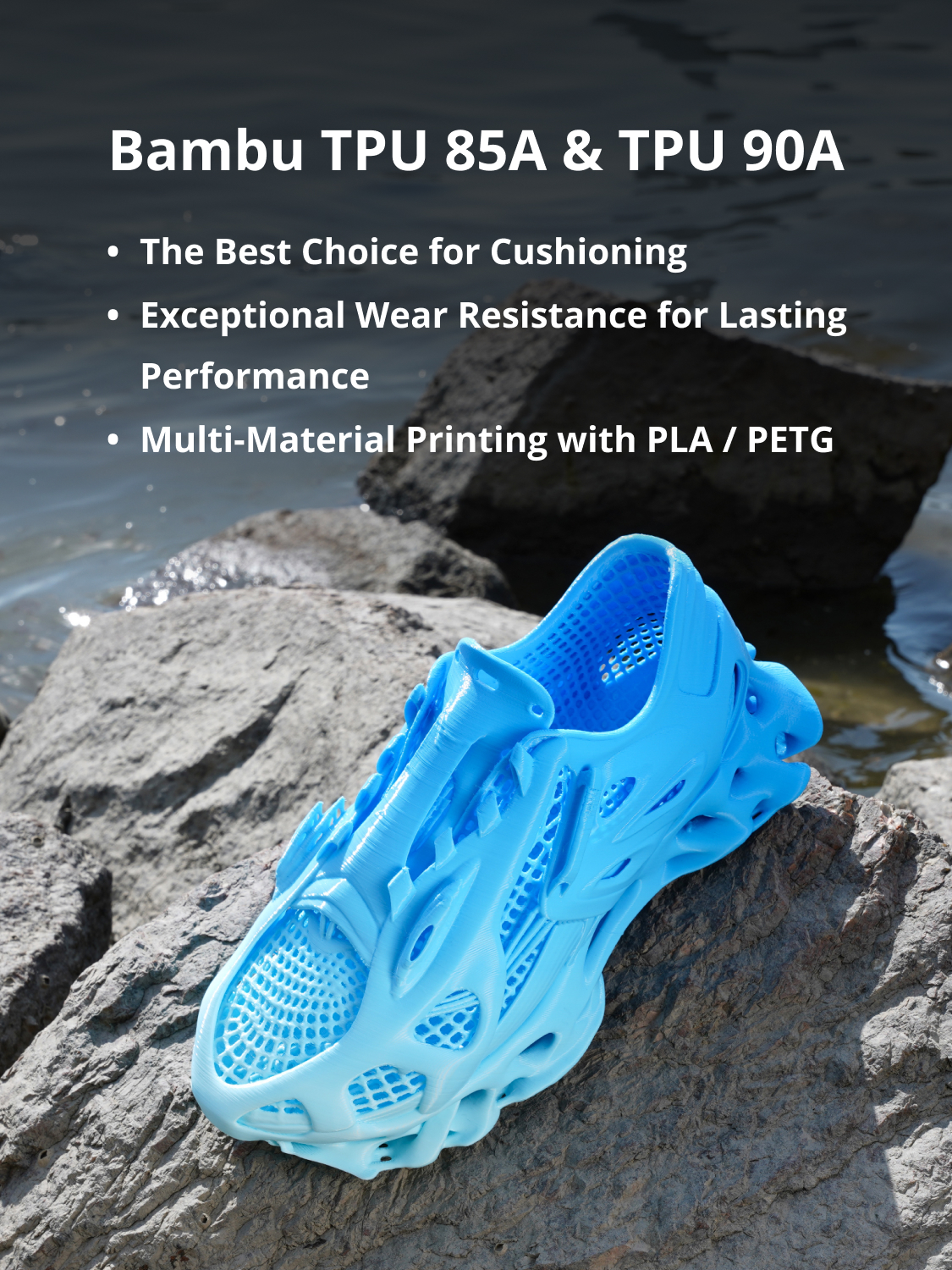
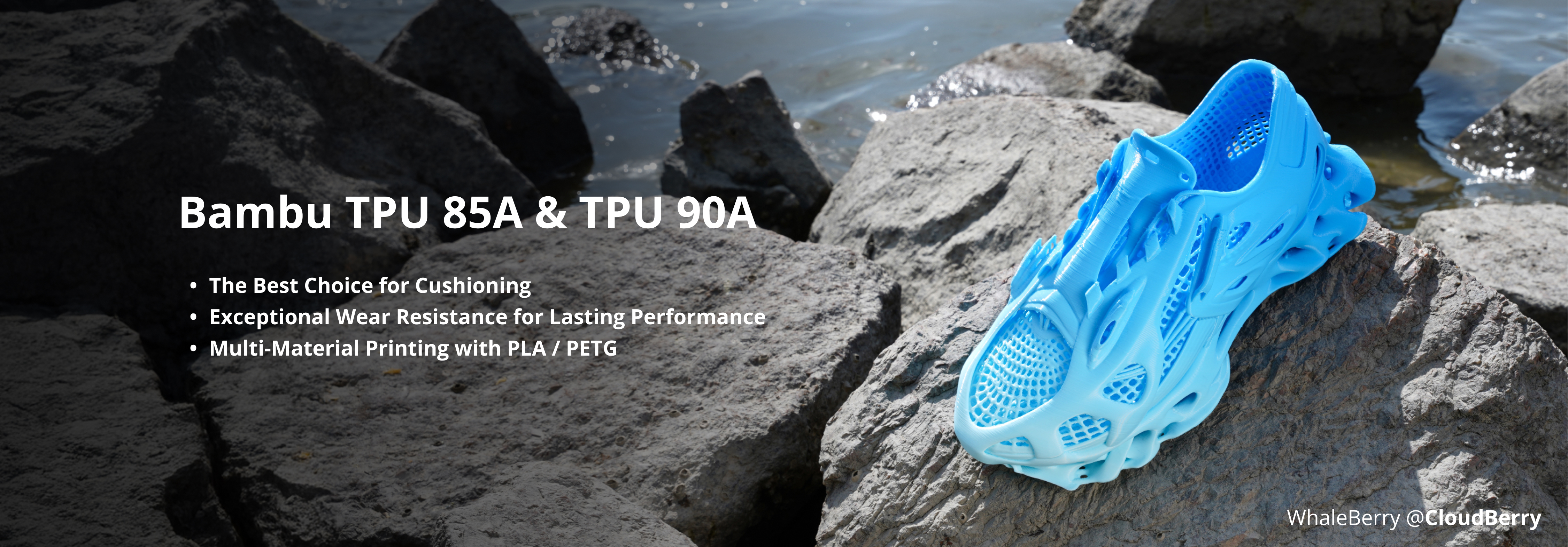
The Best Choice for Impact Absorption and Buffering
Engineered for durability and flexibility, Bambu TPU 85A and 90A are ideal for shock absorption and soft support. They are well suited for applications such as padding, medical braces, and protective gear.
Both filaments deliver excellent wear resistance, ensuring long-lasting performance even after repeated bending, making them a reliable choice for demanding applications.
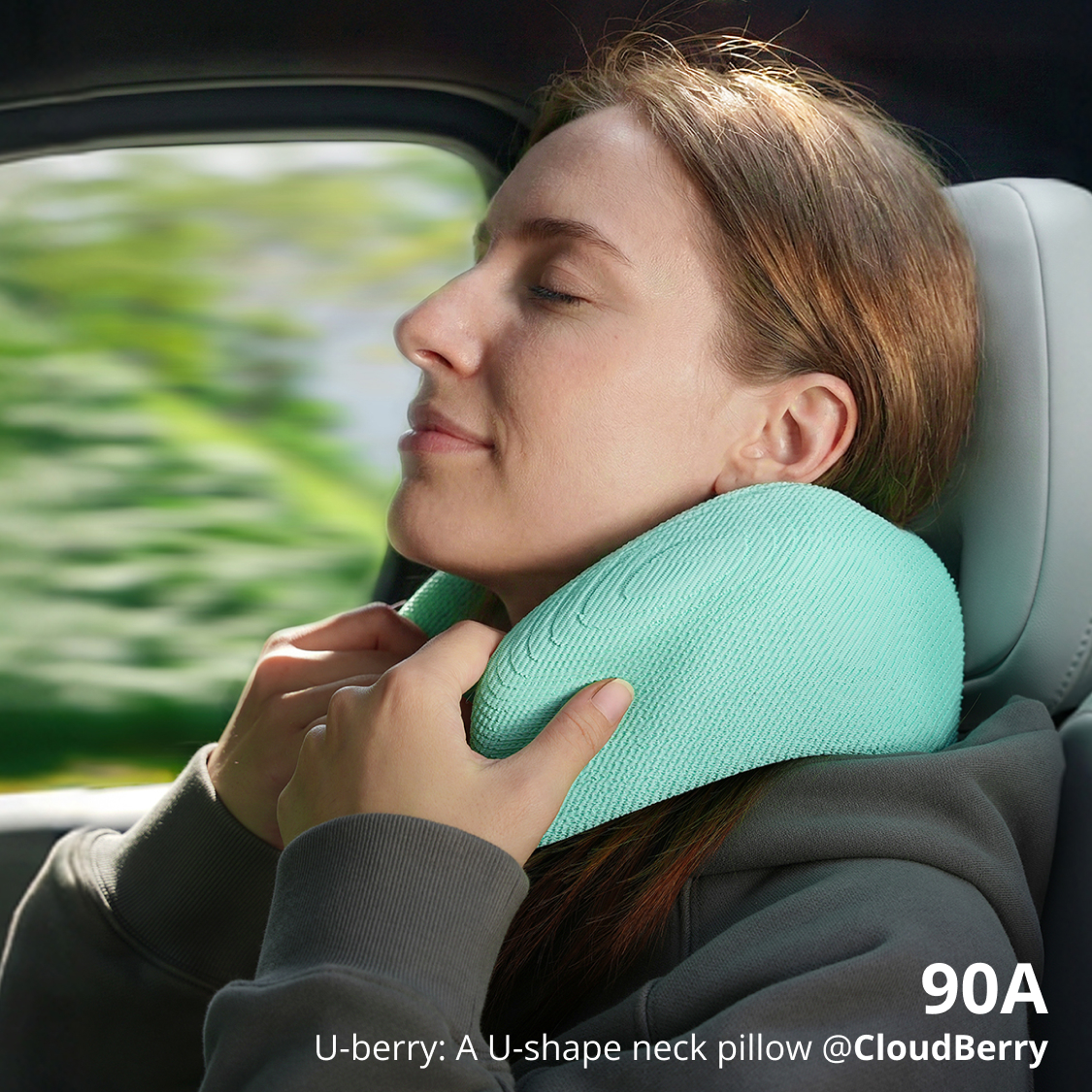
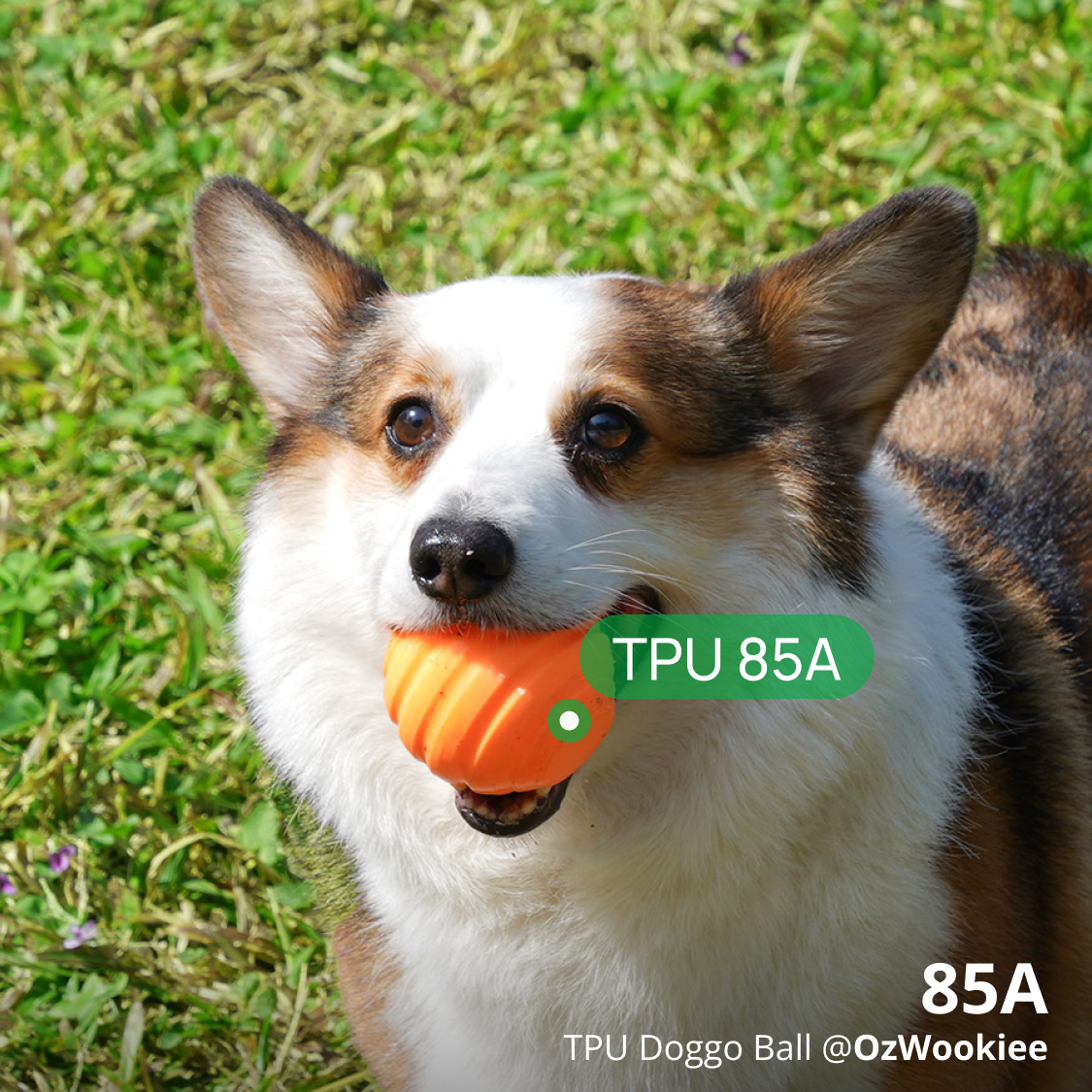
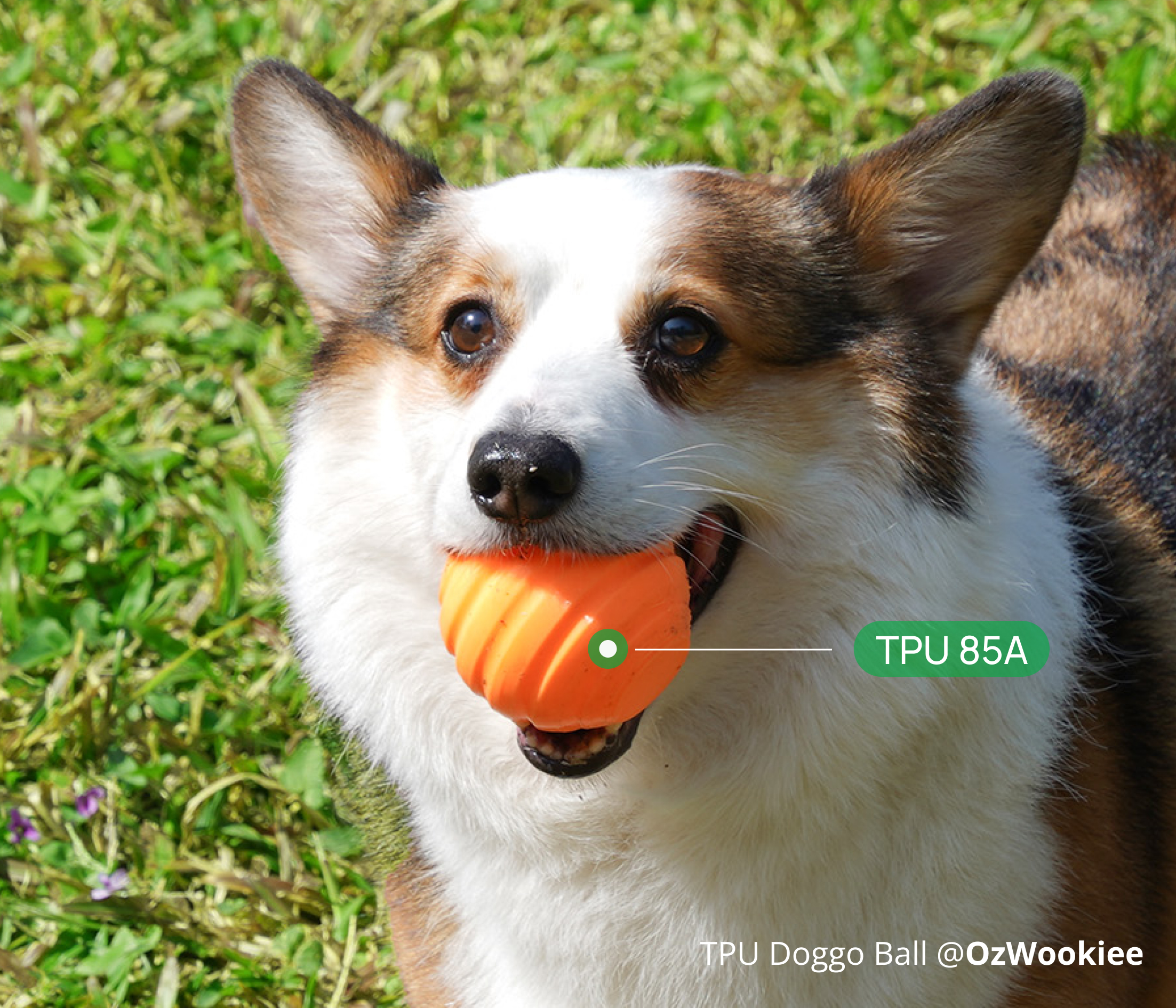
Bambu TPU 85A: The softest TPU in Bambu’s lineup, TPU 85A offers exceptional flexibility and resilience. It is perfect for impact-absorbing parts such as protective cases, squishy fidget toys, and soft cushioning elements.
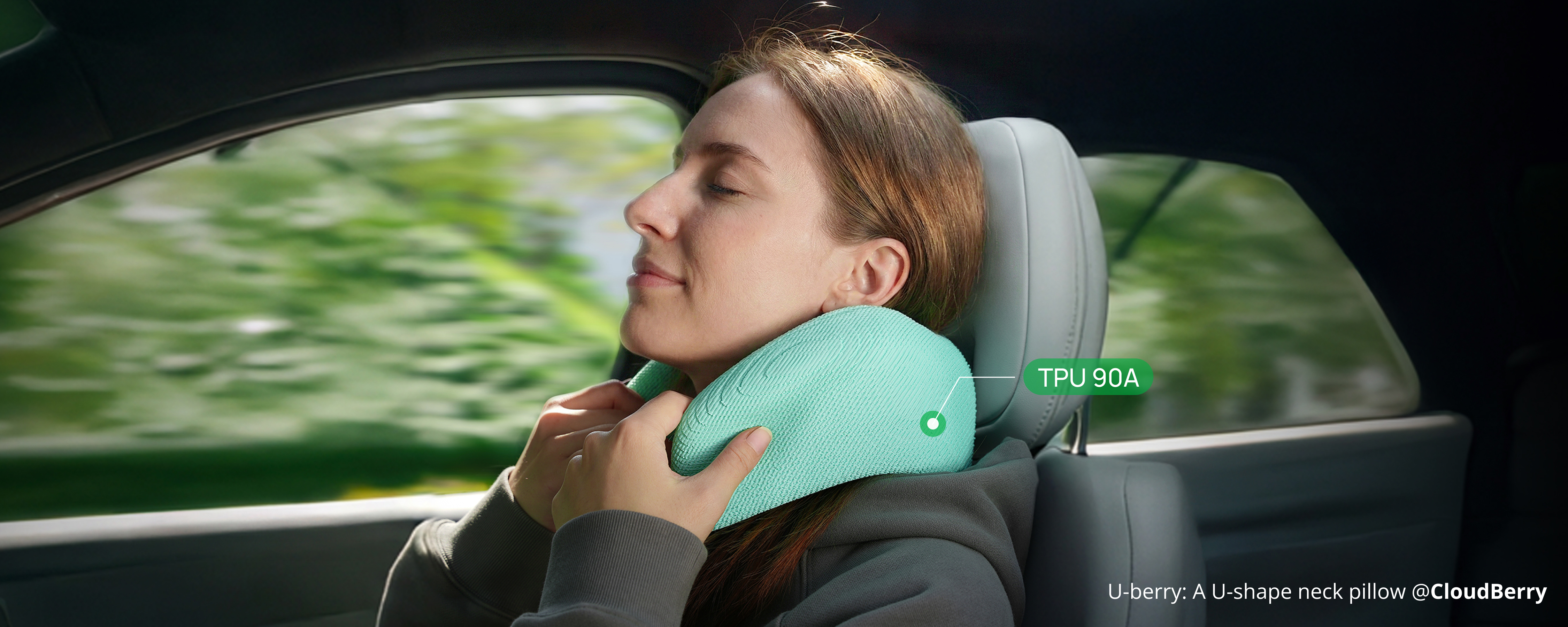
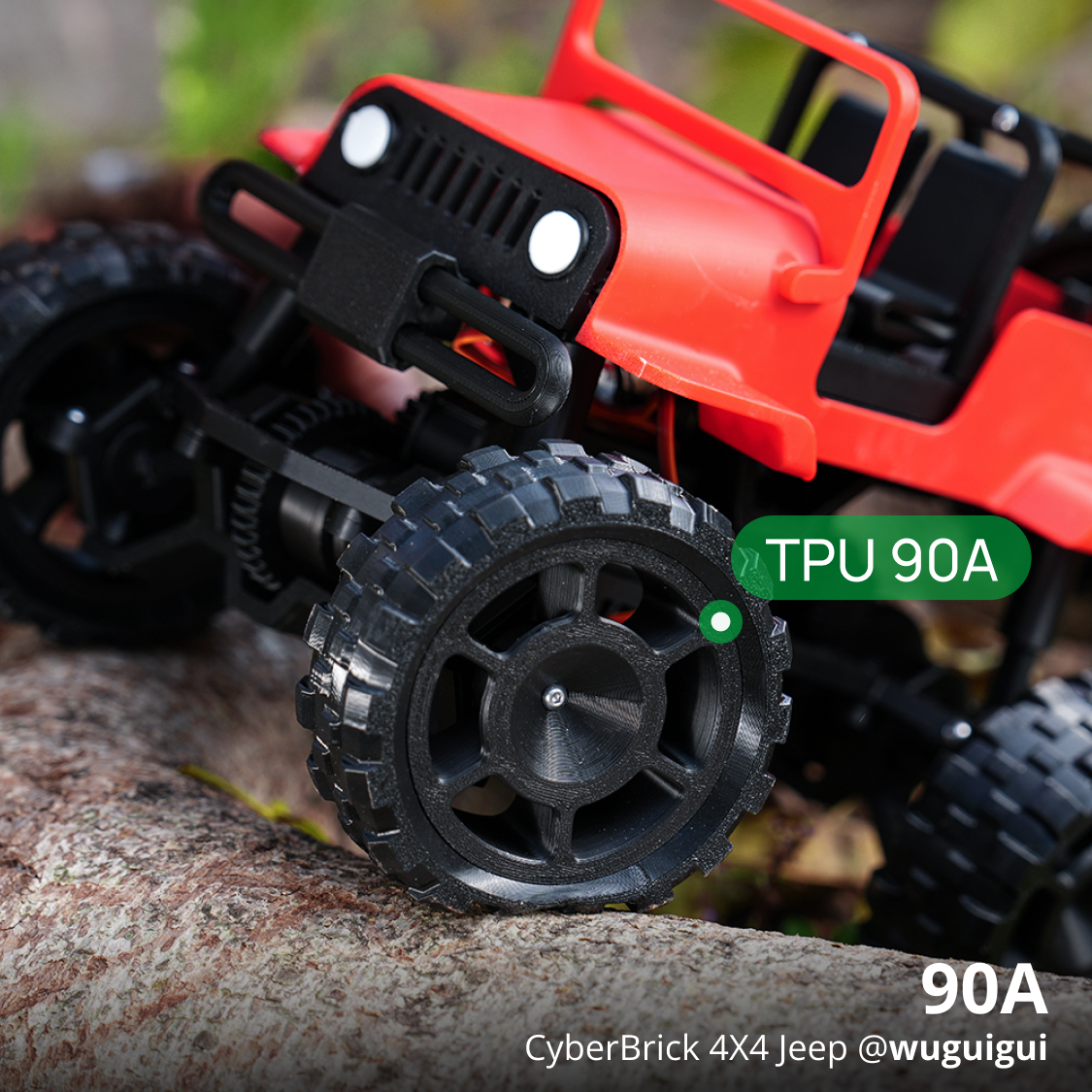
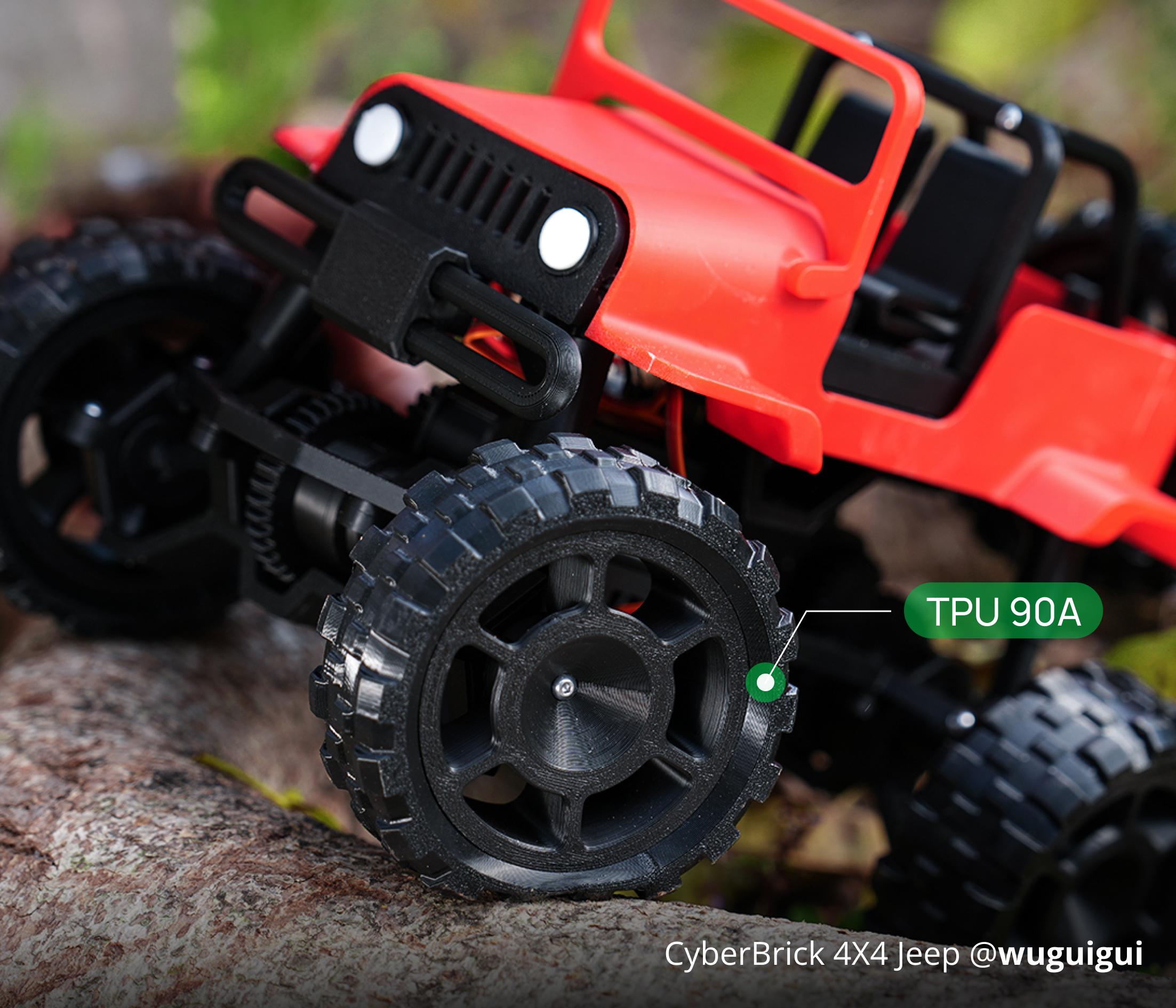
Bambu TPU 90A: With higher hardness, TPU 90A provides greater structural integrity while retaining flexibility. It is ideal for shoe soles, RC tires, and functional components that require both strength and elasticity.
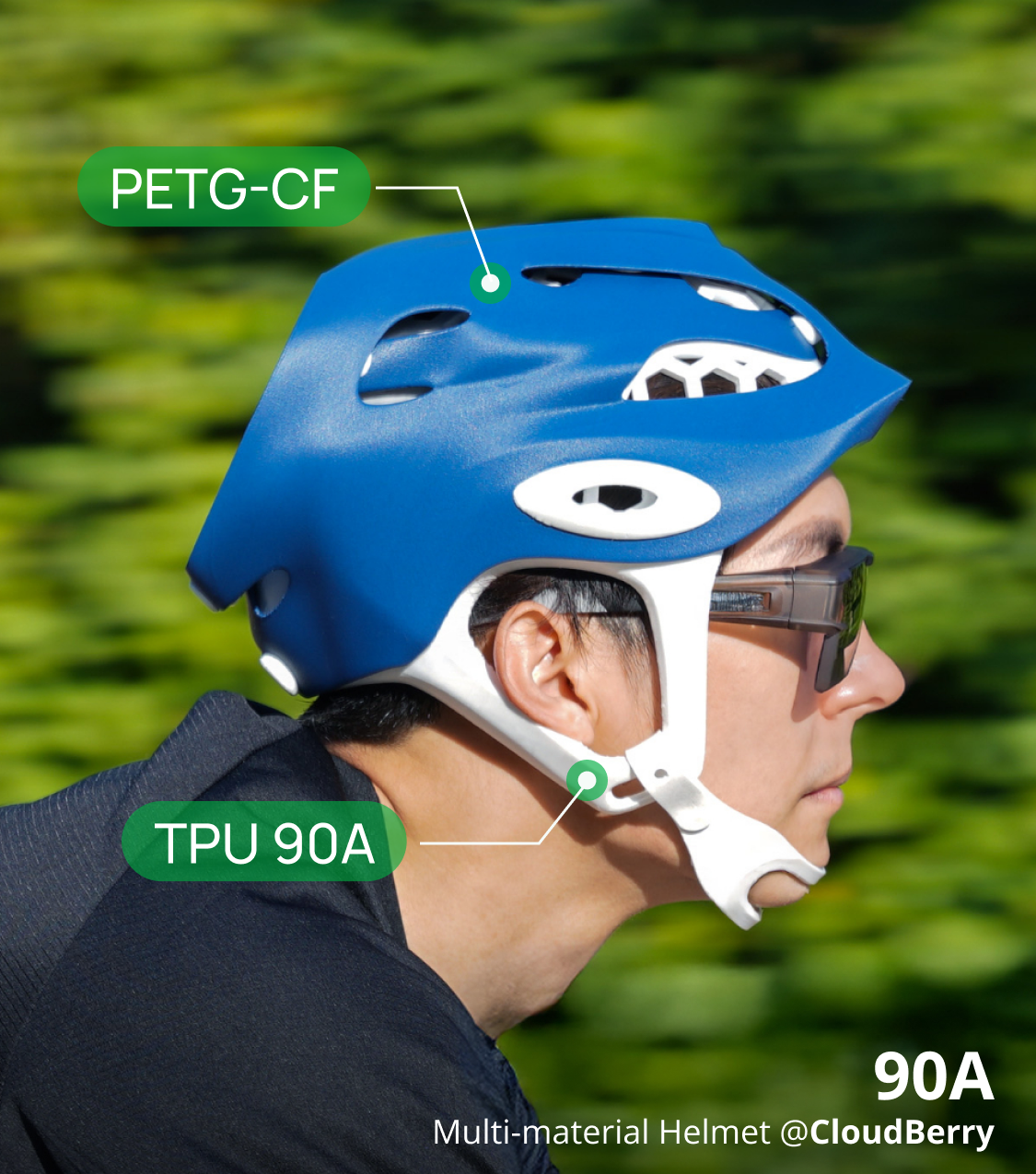
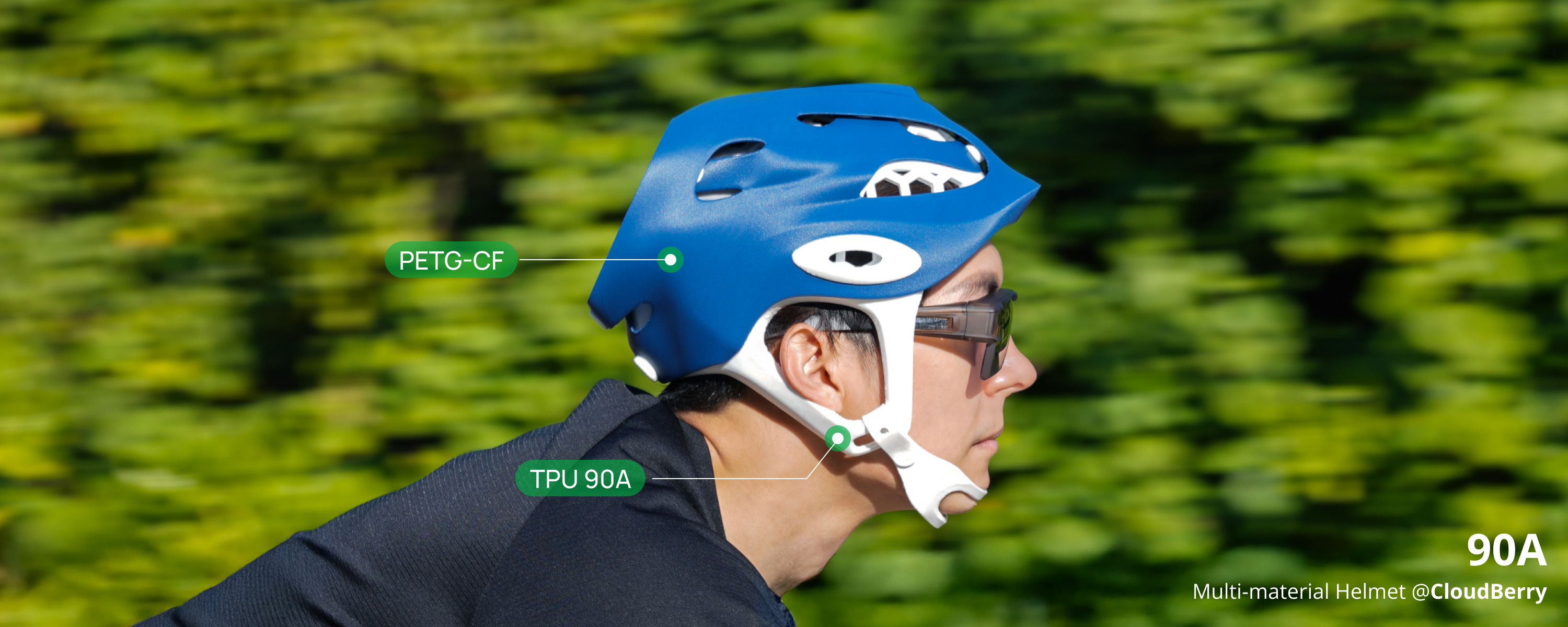
Seamless Multi-Material Printing: Strong in Structure, Soft to the Touch*
Bambu TPU 90A prints seamlessly with all Bambu PLA and PETG series filaments, letting you combine flexible and rigid materials in a single part using beam interlocking in Bambu Studio.
From seat cushions and helmet padding to tool handles and beyond, design freely to achieve the perfect balance of stiffness and softness. Bambu Filaments help you expand the functionality and performance of your prints.
* This feature is exclusive to Bambu TPU 90A and compatible dual-nozzle printers such as Bambu Lab H2C and H2D.
Diverse Textures, Eclectic Integration
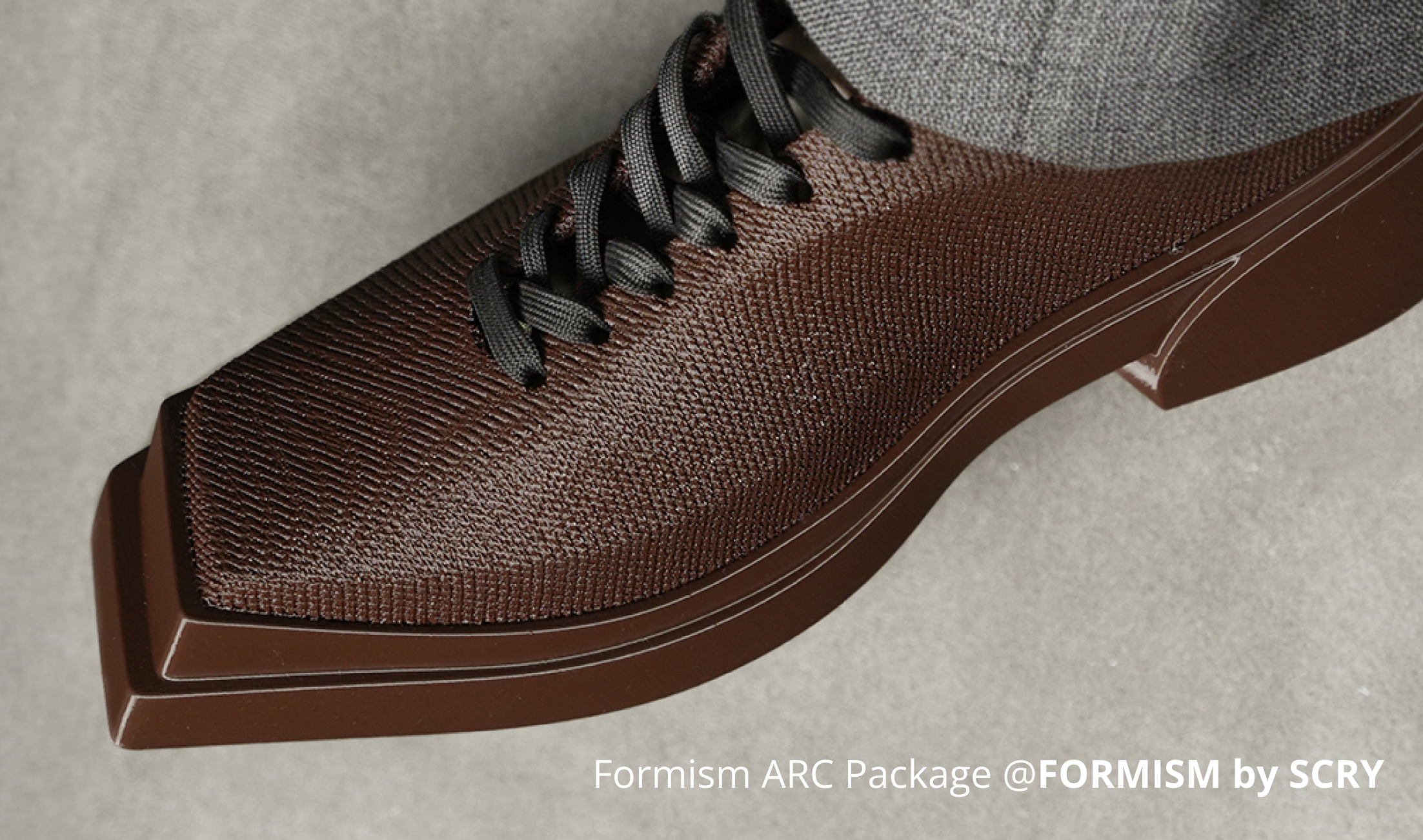
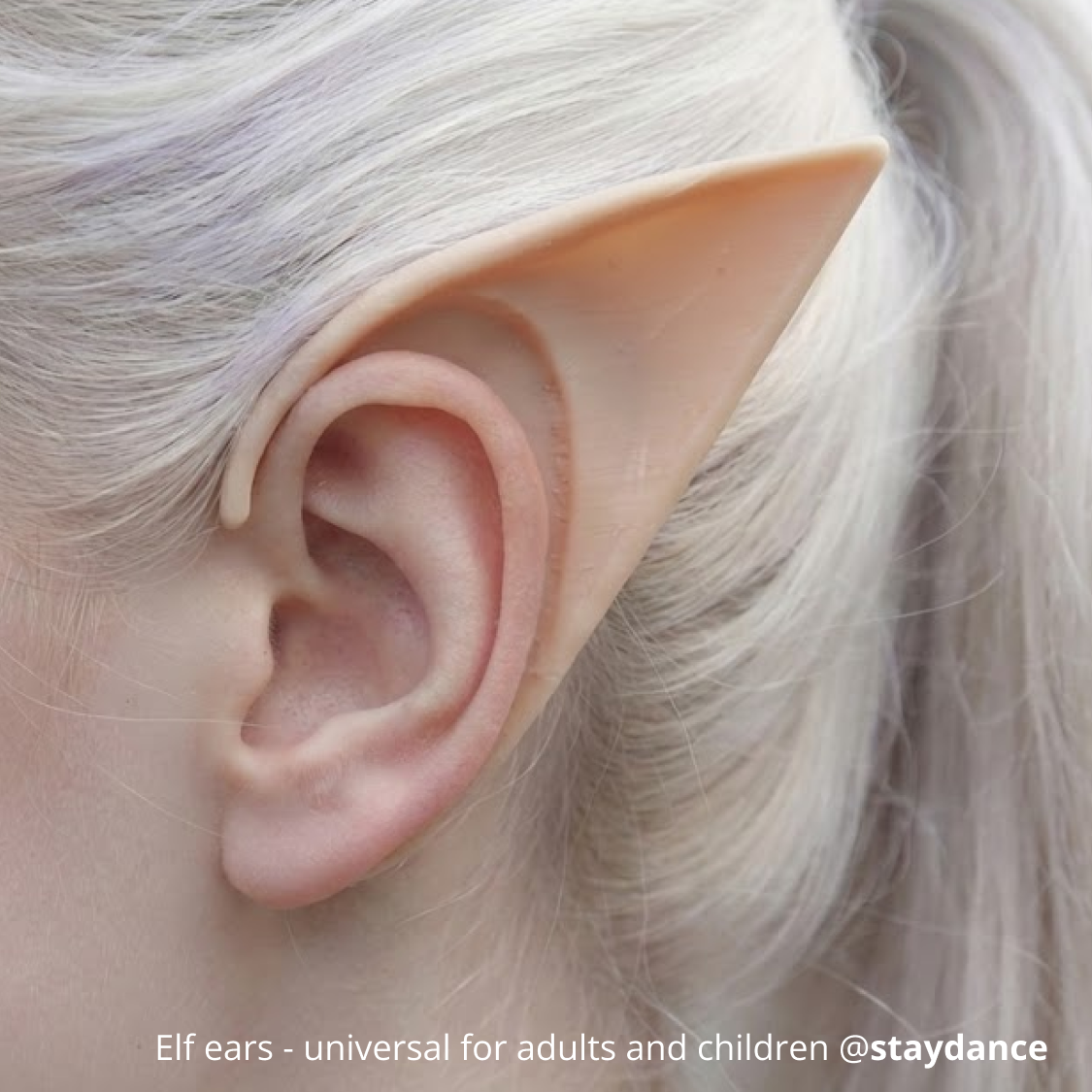
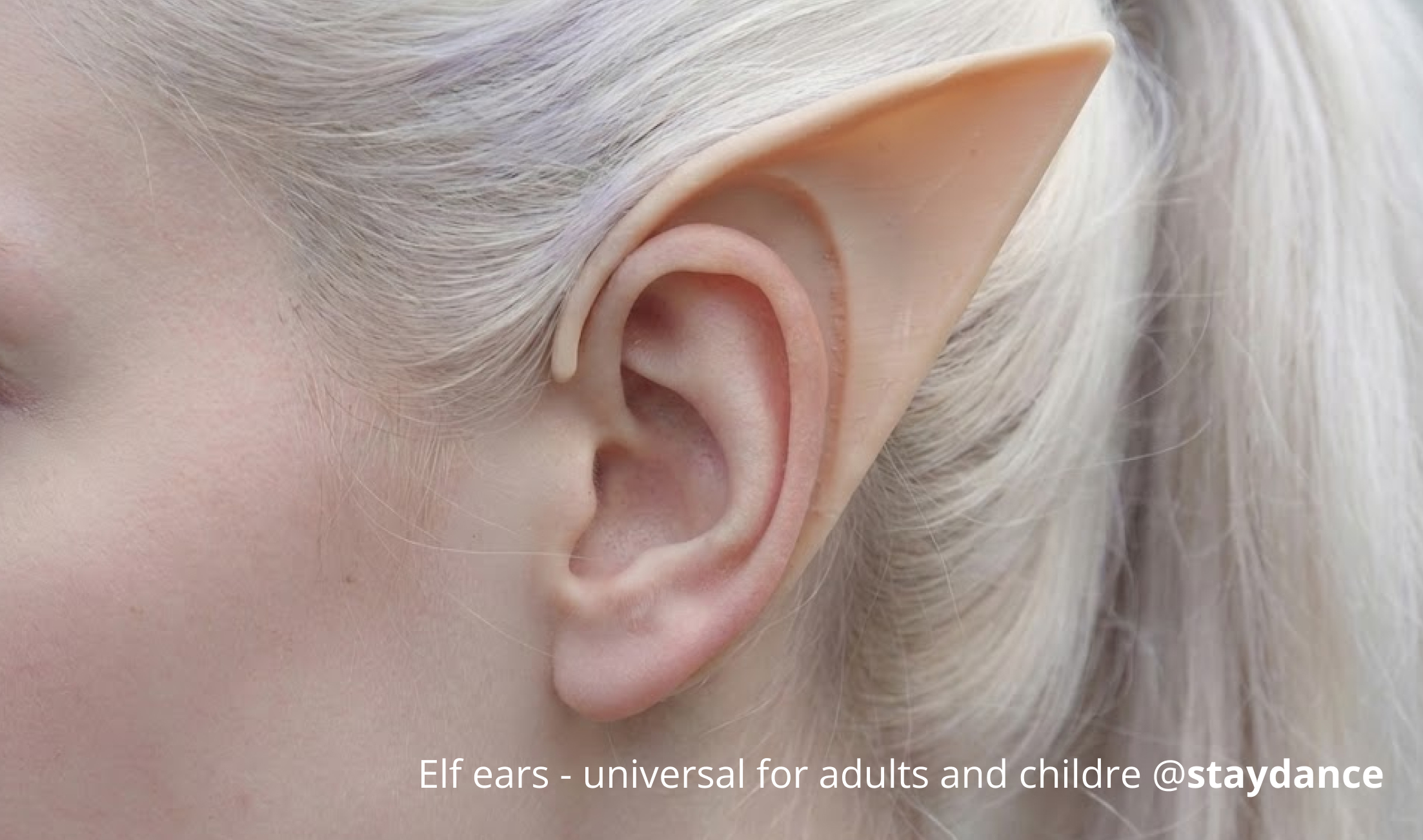
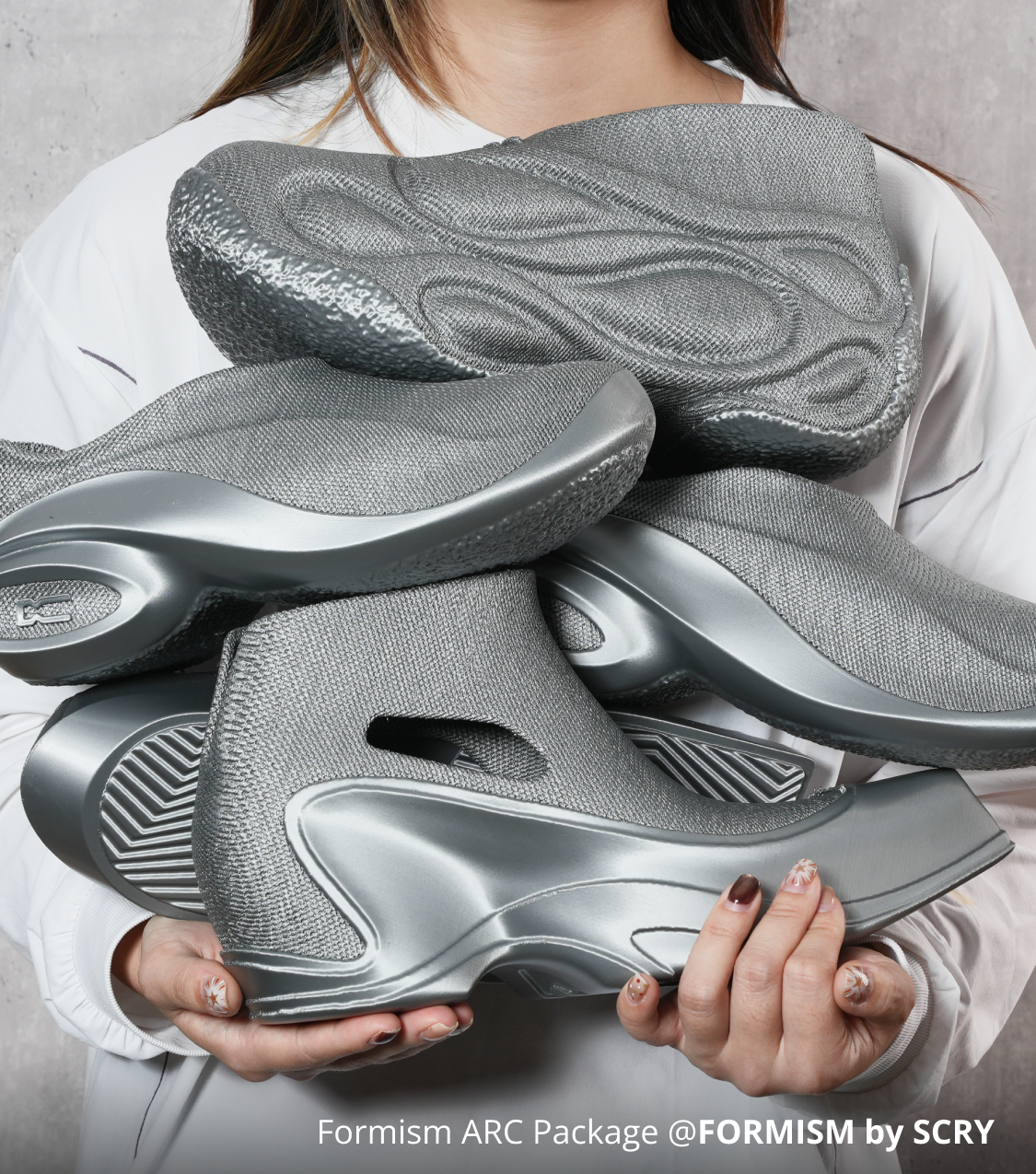
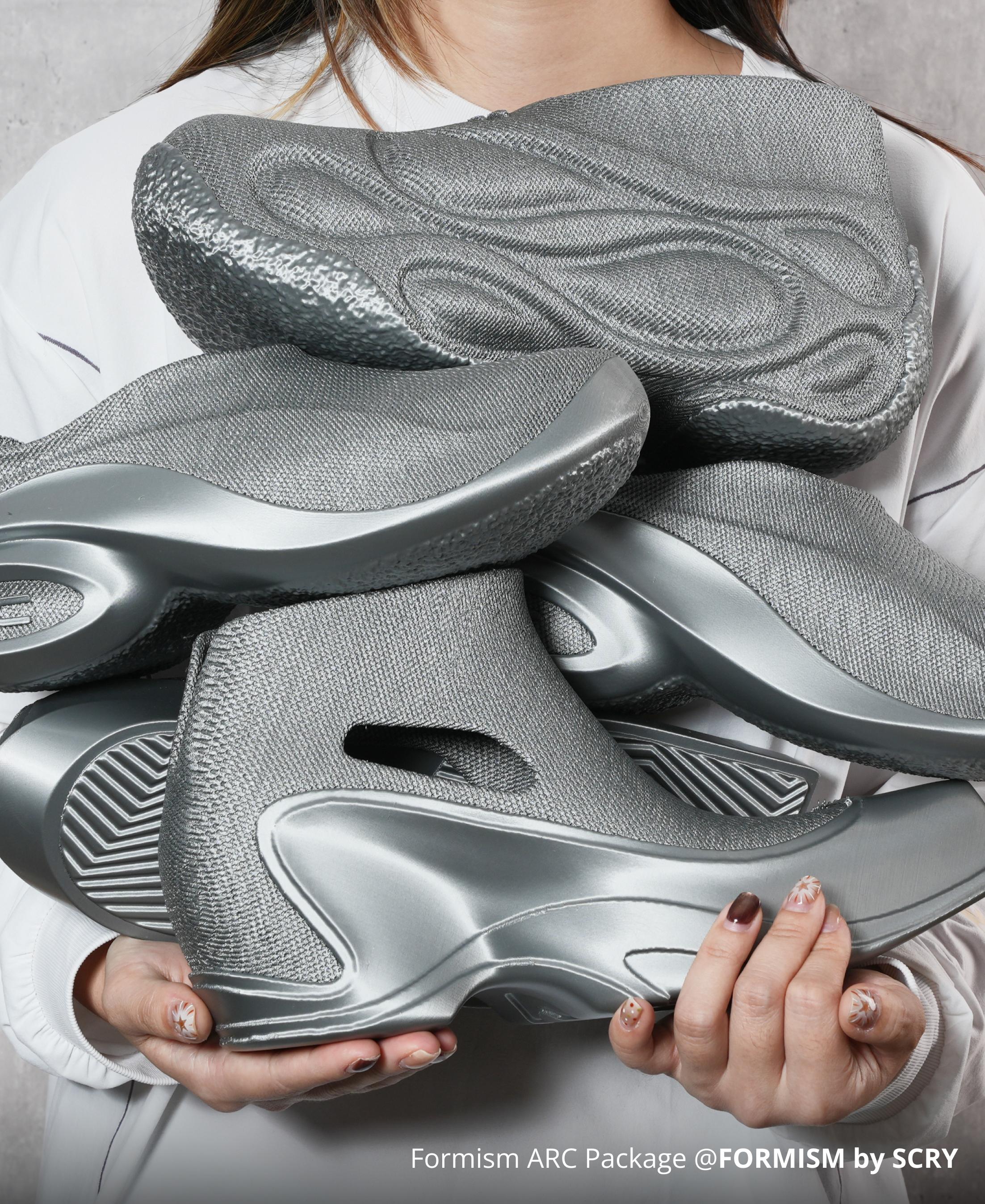
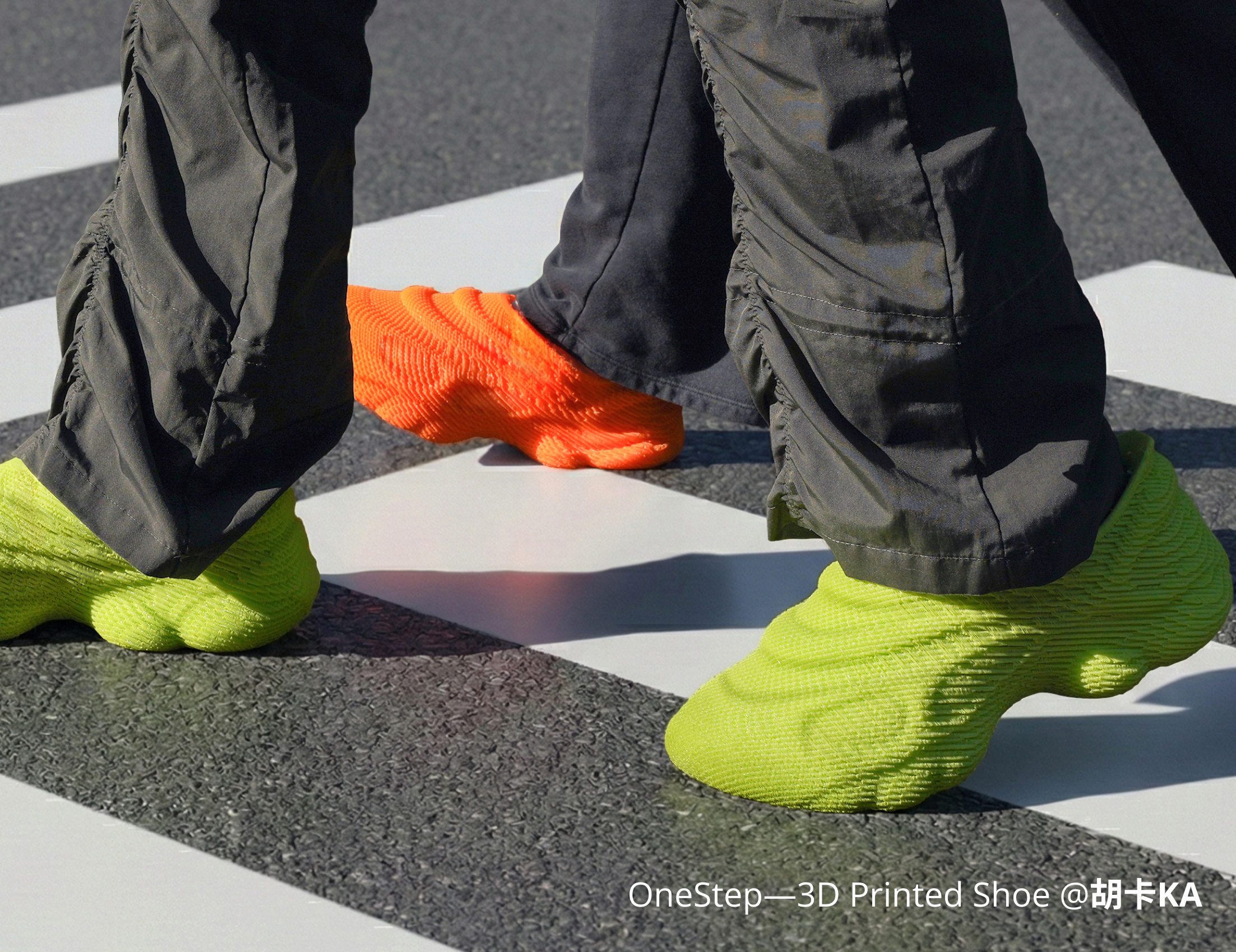
Bambu TPU 85A & 90A feature specially formulated textured colors, such as metal-like, semi-transparent, and leather-like. These allow flexible filaments to better integrate into imaginative model creation scenarios, connecting your works with life.
A Unique Single-Pass Soft Gradient
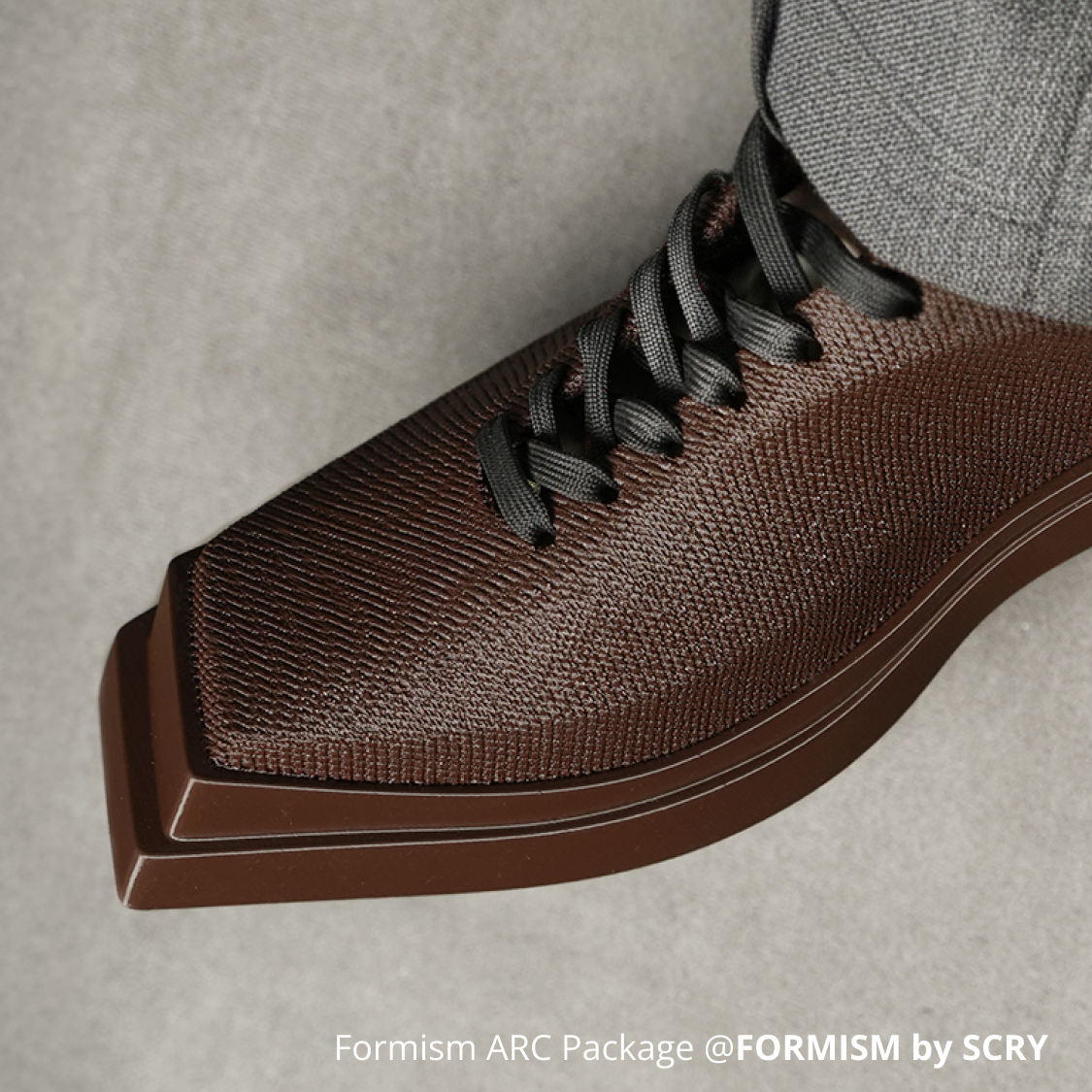
Unlike the high-frequency color transitions of standard gradient filaments, Bambu TPU 90A Blaze & Frozen delivers a unique soft gradient that appears only once per spool.
This creates a smooth, single-pass color shift from start to finish, making it specially engineered for large-scale models, fashion wearables, and footwear where a continuous, natural gradient effect matters.
More Colors, More Ways to Flex
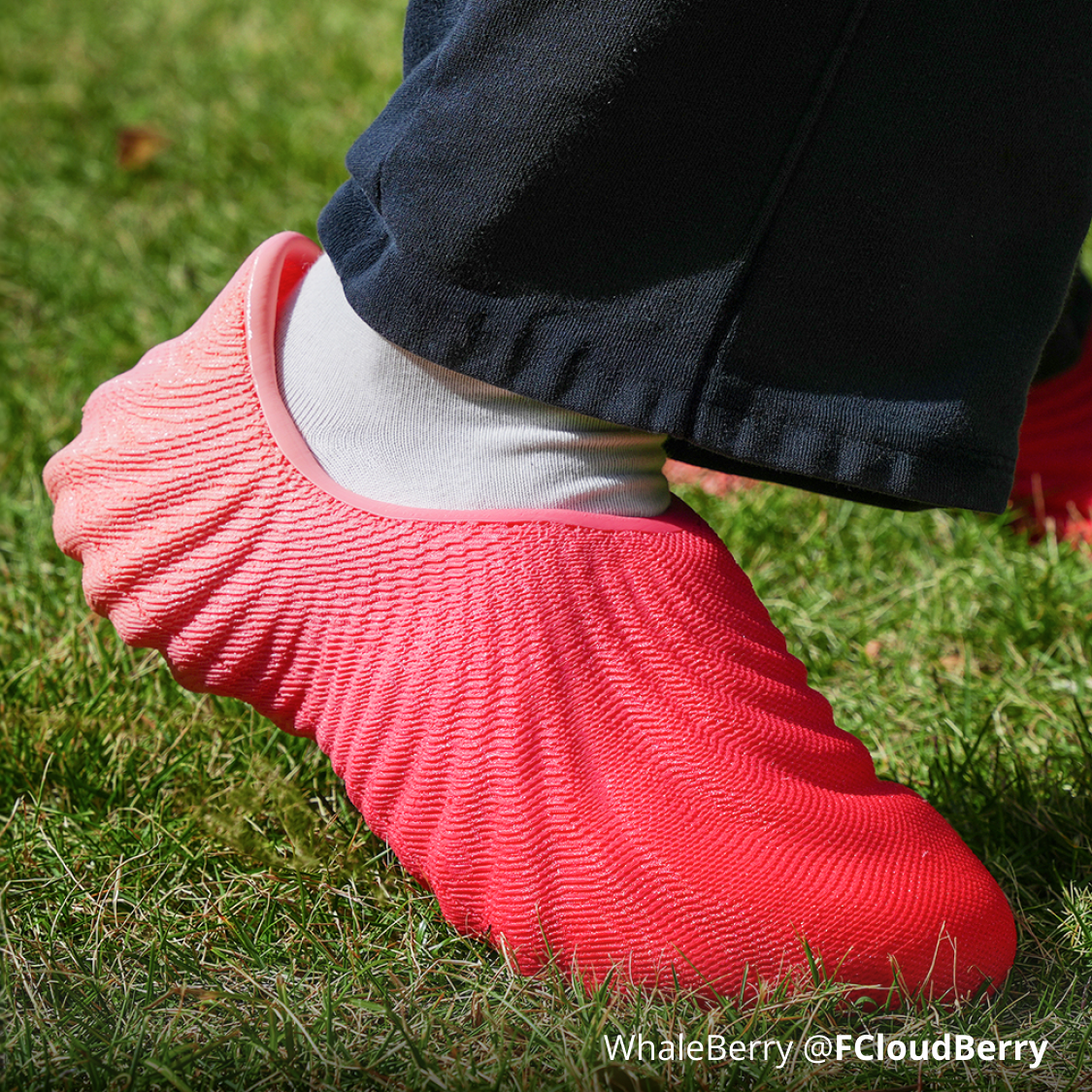
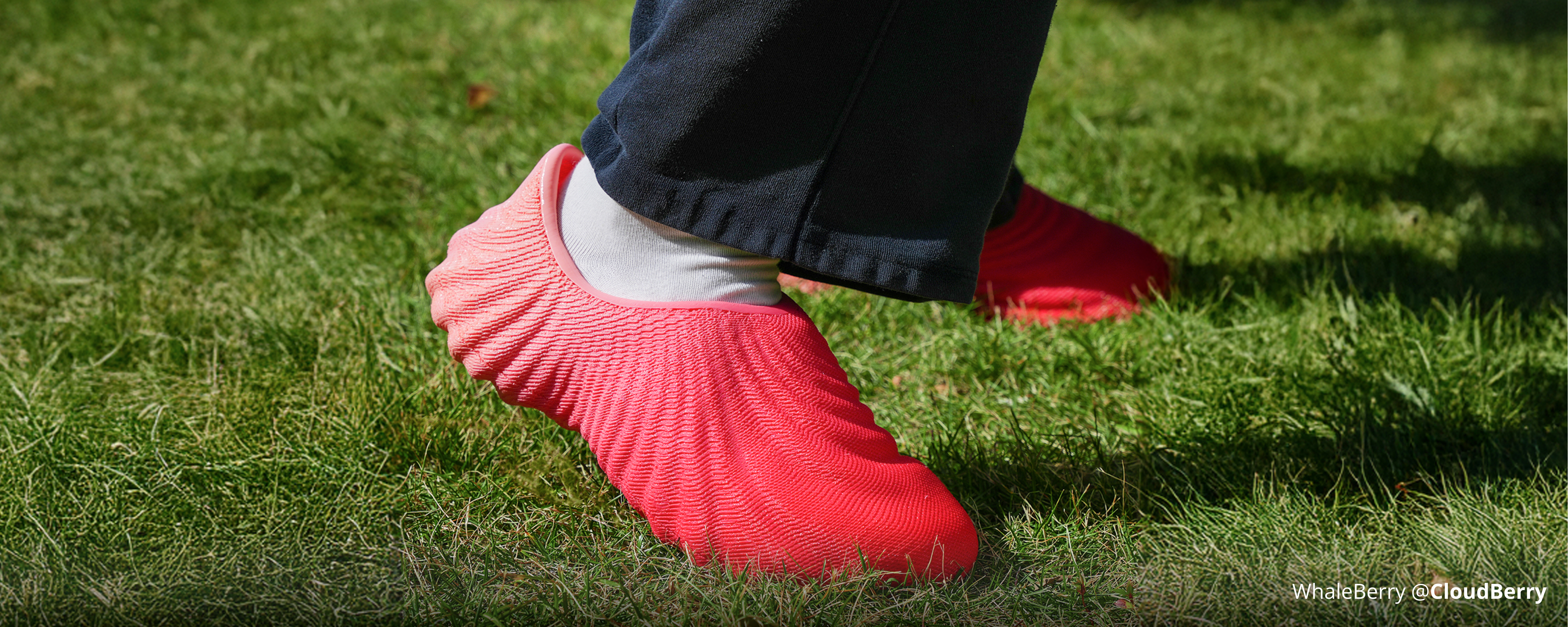
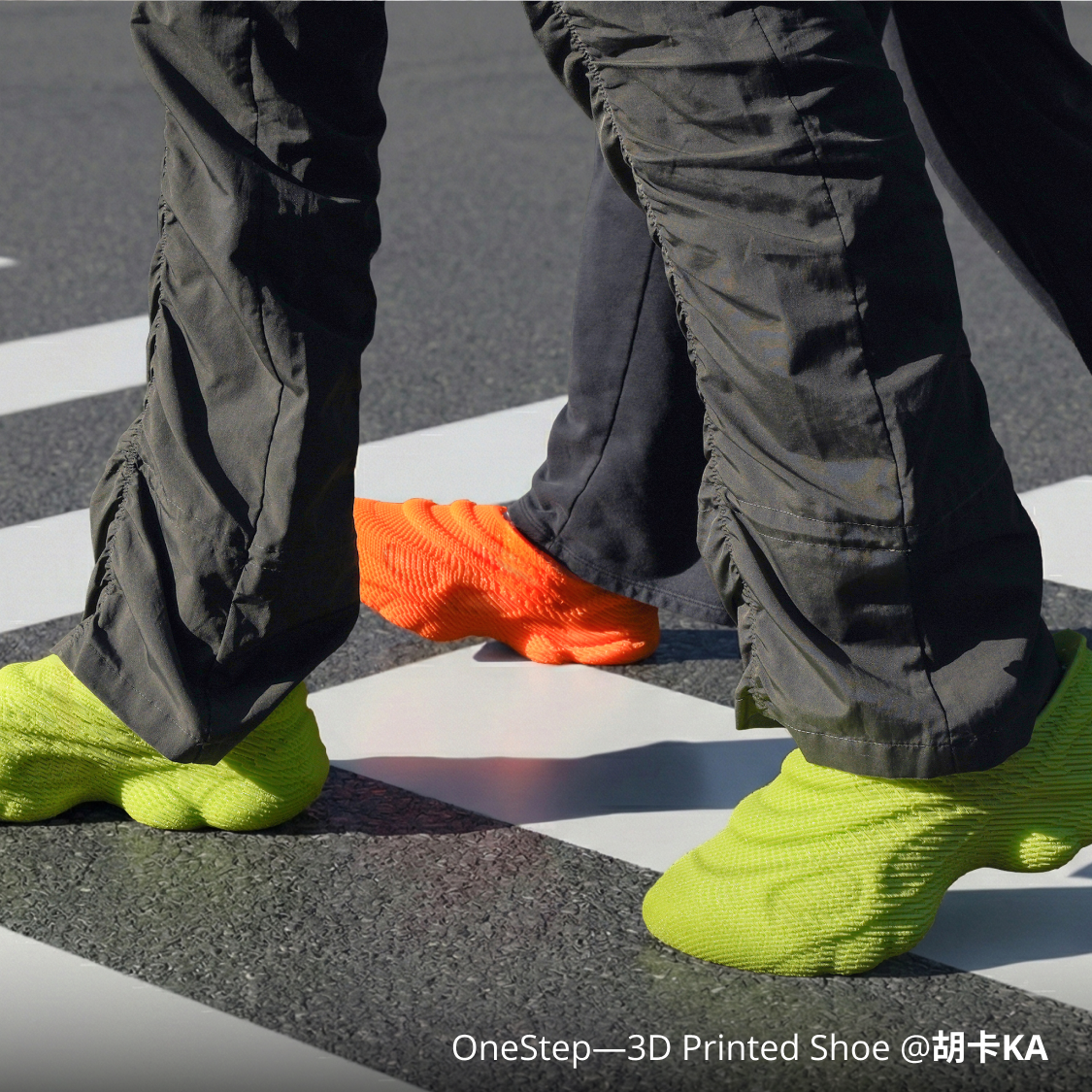
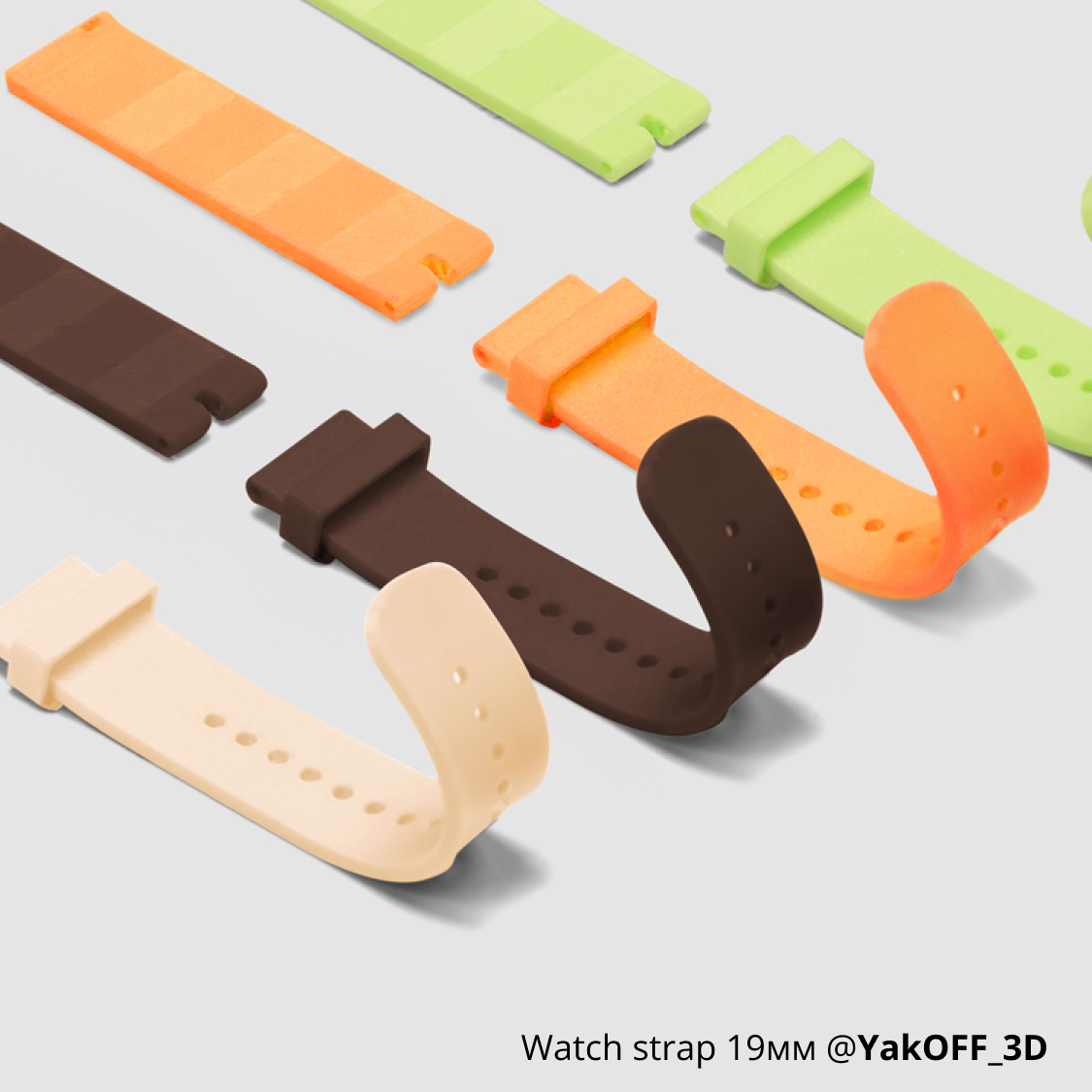
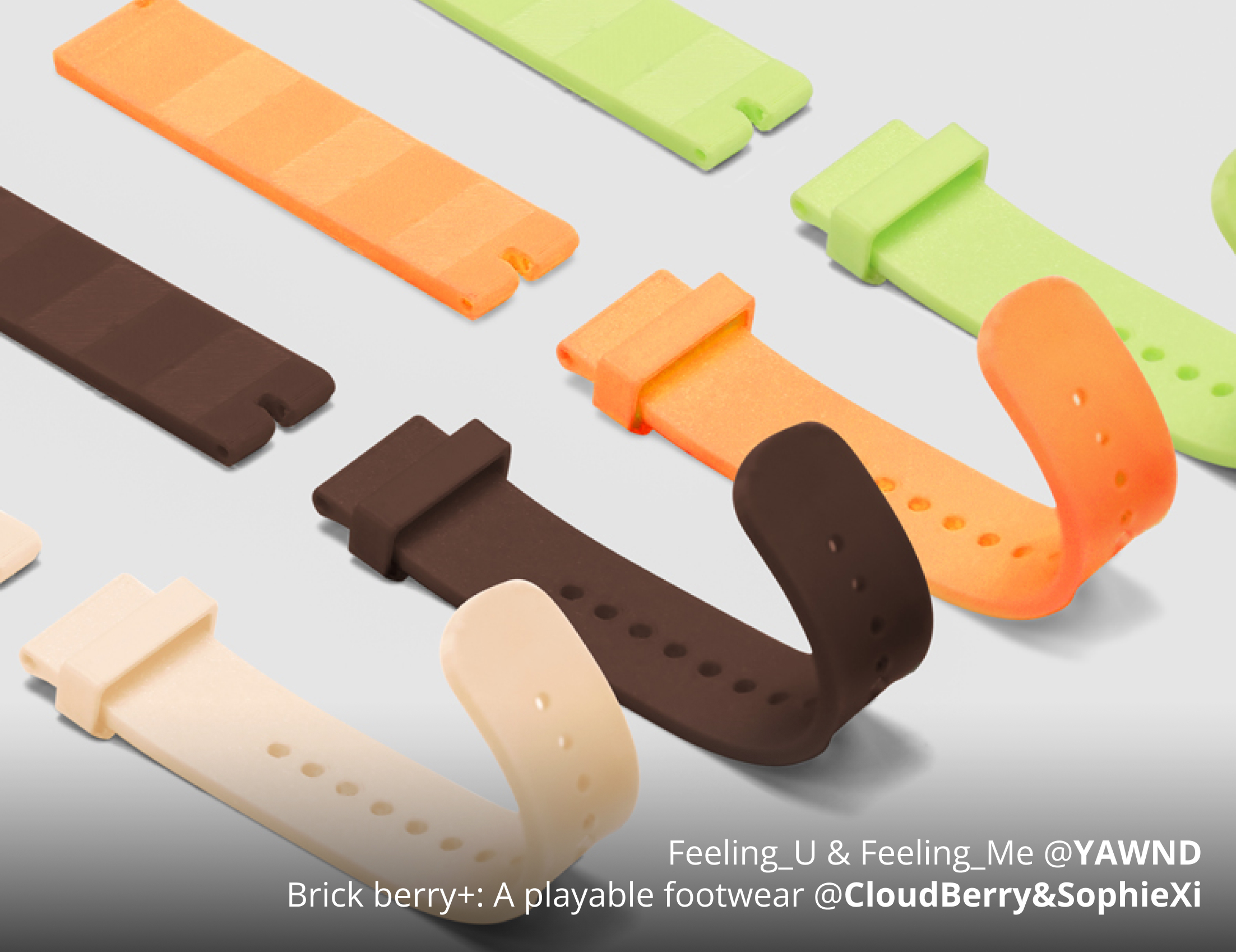
Bold, pop colors add a vivid touch to your 3D printing projects. They balance the functional needs of everyday flexible applications with your personal aesthetic expression, so your prints perform well and look great.
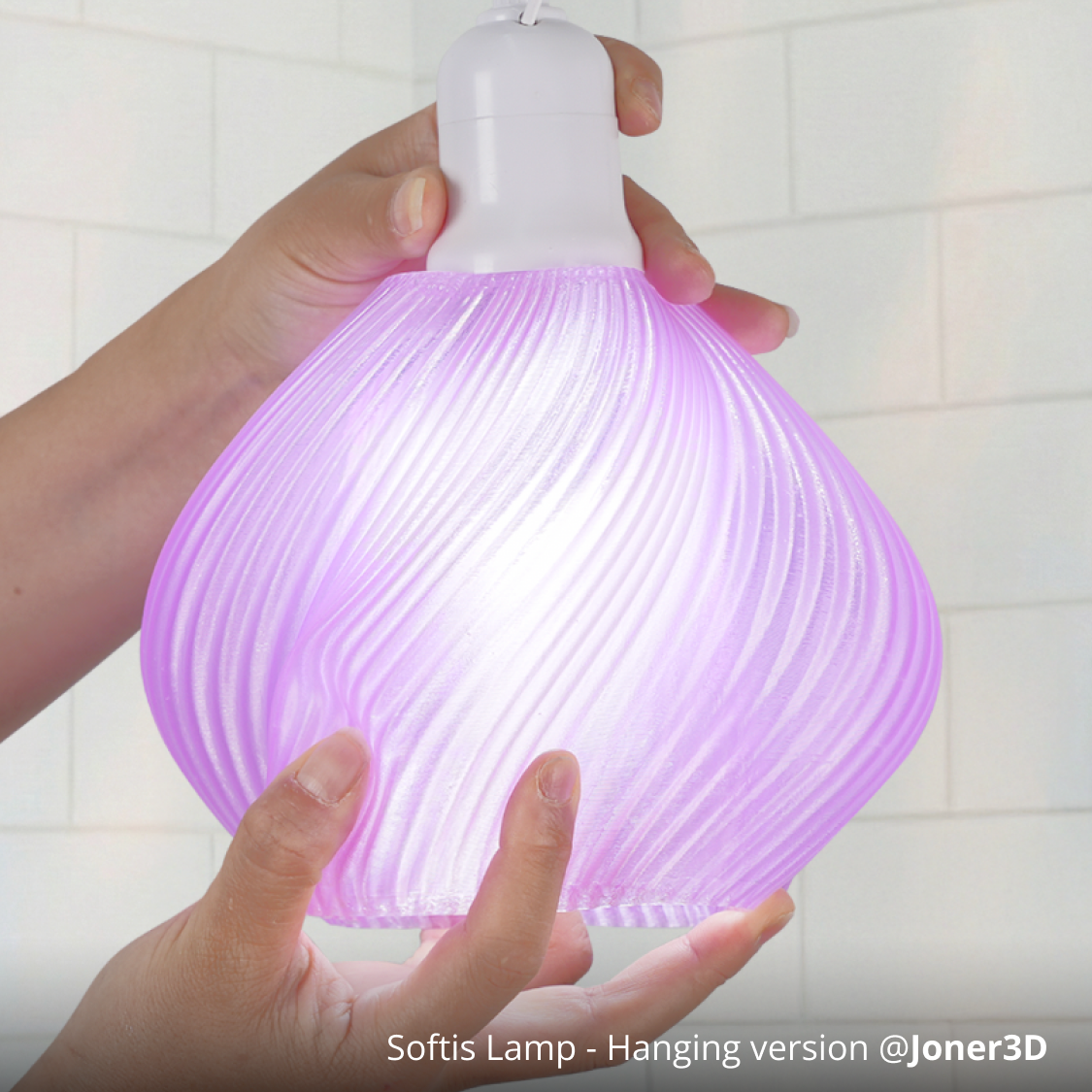
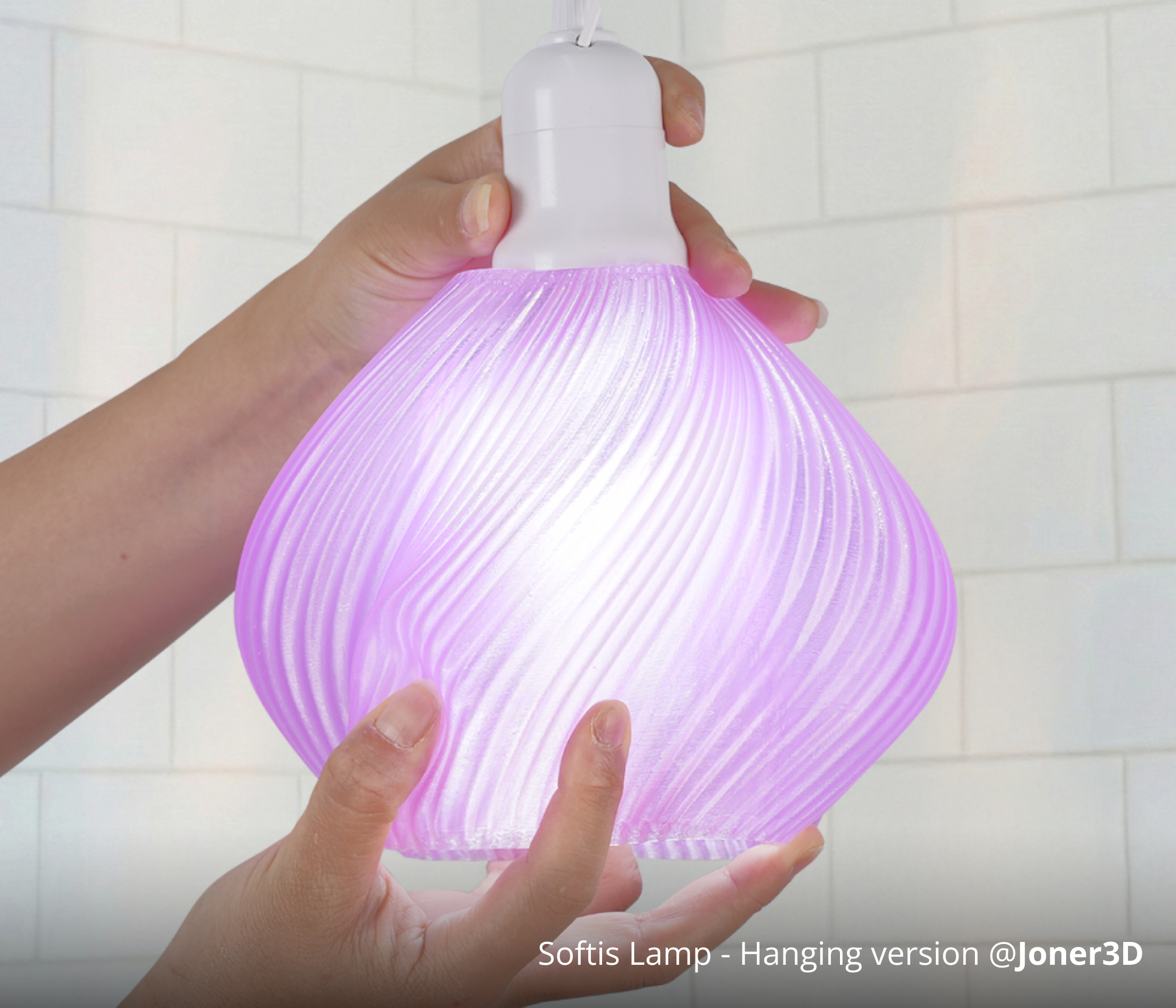
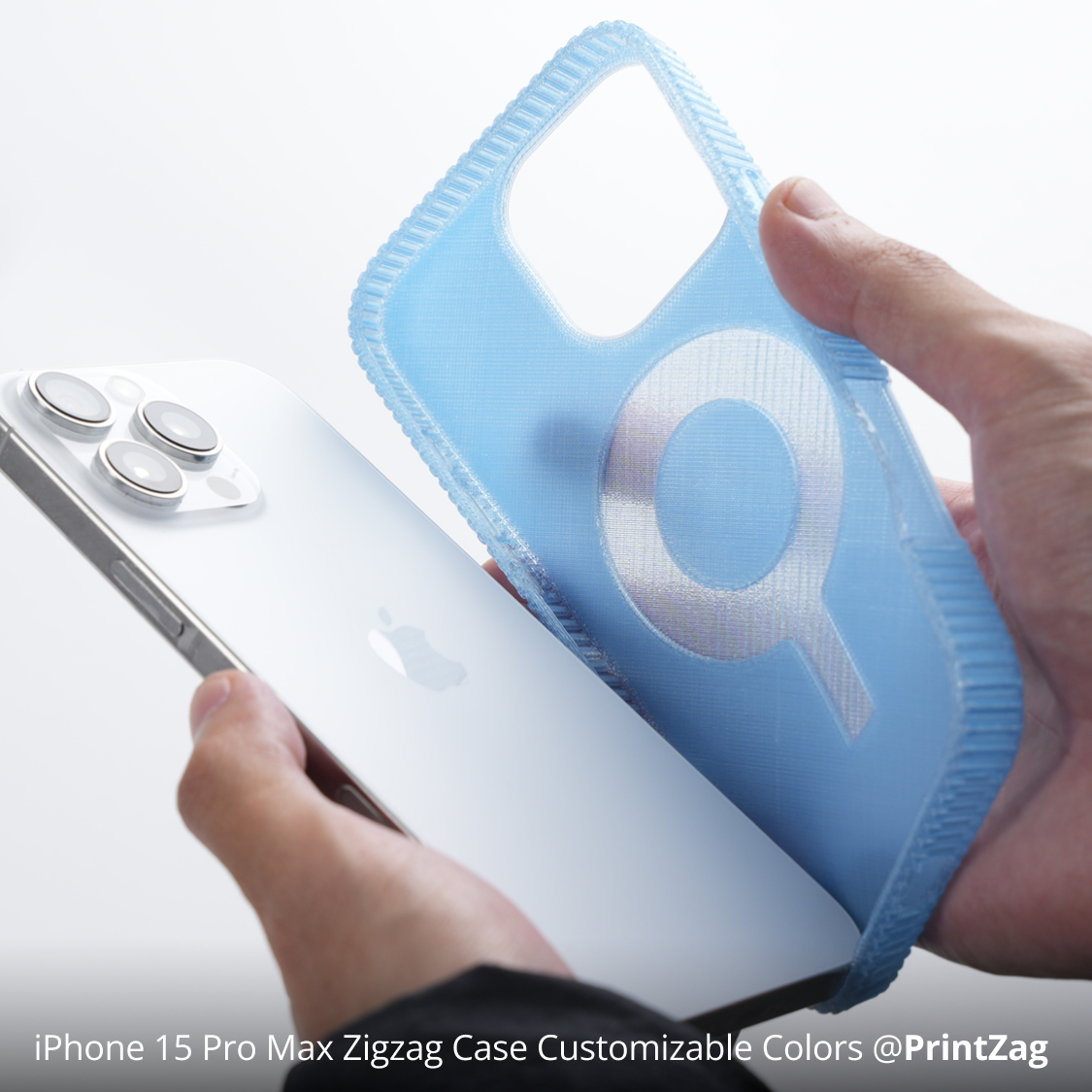
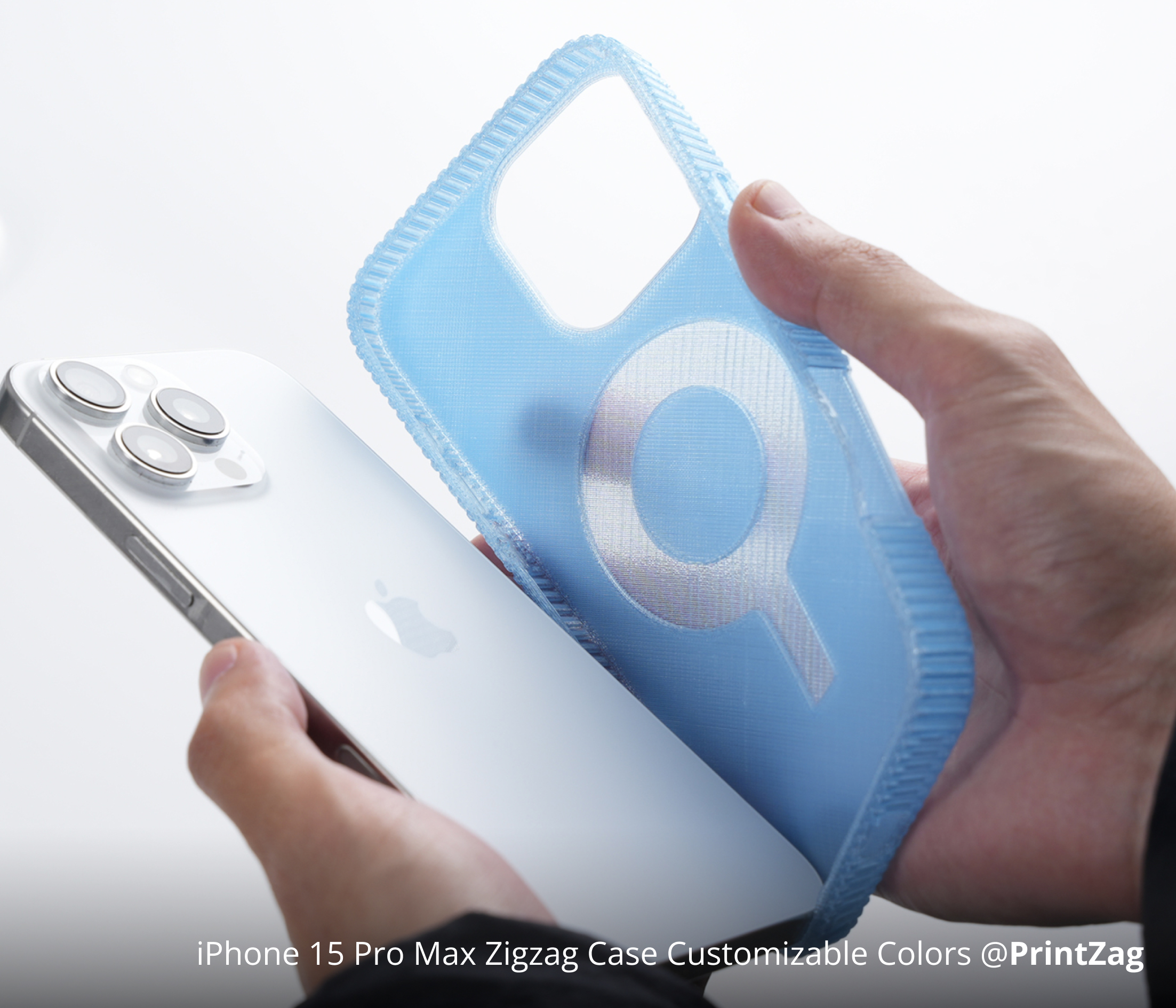
Translucent by design. Luminous by nature.
Models printed with semi-transparent TPU allow light, underlying colors, and ambient tones to shine through.
This interplay blends design creativity with real-world use, making every creation feel unique. It is especially ideal for phone cases, lamp shades, and other designs where light and color interaction enhance the visual effect.
Printer Compatibility
| TPU 85A | TPU 90A | Multi-material printing with PLA / PETG | |
| H2S | Compatible | Compatible | Not Supported |
| H2D/H2C | Compatible (right filament inlet only) | Compatible (right filament inlet only) | TPU 90A Only |
| X Series / P Series | Compatible | Compatible | Not Supported |
| A Series | Not Compatible | Compatible | Not Supported |
Accessory Compatibility
| TPU 85A | TPU 90A | ||
| Nozzle Compatibility | Recommended | 0.6 mm / 0.8 mm | 0.4 mm / 0.6 mm / 0.8 mm |
| Not Supported | 0.2 mm / 0.4 mm / High Flow Nozzle | 0.2 mm / High Flow Nozzle | |
| Accessory Compatibility | Build Plate | Smooth PEI Plate,Textured PEI Plate | |
| Glue | No Glue Required | ||
| AMS, AMS lite, AMS 2 Pro | Not Compatible | ||
| AMS HT | Compatible, please read Wiki carefully for feeding instructions. | ||
Download - TPU 90A

Download - TPU 85A
Printing Tips
• TPU 85A and 90A require highly precise printing conditions. Before printing, please carefully read the Printing Guide for TPU 85A & TPU 90A on the wiki to ensure the best results.
Drying conditions
| Blast drying oven | H2 Series | X Series | AMS HT |
| 70 ℃, 8 h | 90 ℃, 16 h | 90 ℃, 16 h | 75 ℃, 18 h |
• To avoid spool deformation that may prevent it from fitting into the dry box, please use a large dry box. For more details on filament drying conditions, please carefully read the filament drying section on the wiki.
Printing
• Increasing the max volumetric speed is not recommended. Please keep the default speed during printing.
• All the parameters of Bambu TPU 85A & 90A are already pre-set. Please turn off Flow Dynamics Calibration to match the fine-tuned setting.
• Bambu TPU 90A does not support printing with filaments other than the PLA and PETG series, and Bambu TPU 85A does not support full multi-material printing. For instructions on multi-material printing with PLA/PETG, please refer to H2D Soft and Hard Filament Multi-Material Printing Guide.
• To keep your TPU prints clean and vibrant, we recommend avoiding dark-colored PLA as support material.
Filament unload
• For detailed filament unloading instructions, please refer to wiki.
| X Series / P Series | • Do not press Unload when switching filaments, as this may cause uncut TPU residue to get stuck in the extruder. • Please heat the nozzle to 250°C, then control the extruder to retract and manually pull out the filament. |
| H2 Series | • Pressing Unload to enable auto-retraction is allowed. • Please maintain the filament cutter at the right inlet if printing TPU regularly, as it's more prone to wear out when printing TPU. |
Gradient Length
• Please note that the gradient effect of Bambu TPU 90A Blaze and Bambu TPU 90A Frozen will appear only ONCE in a 1kg filament spool.
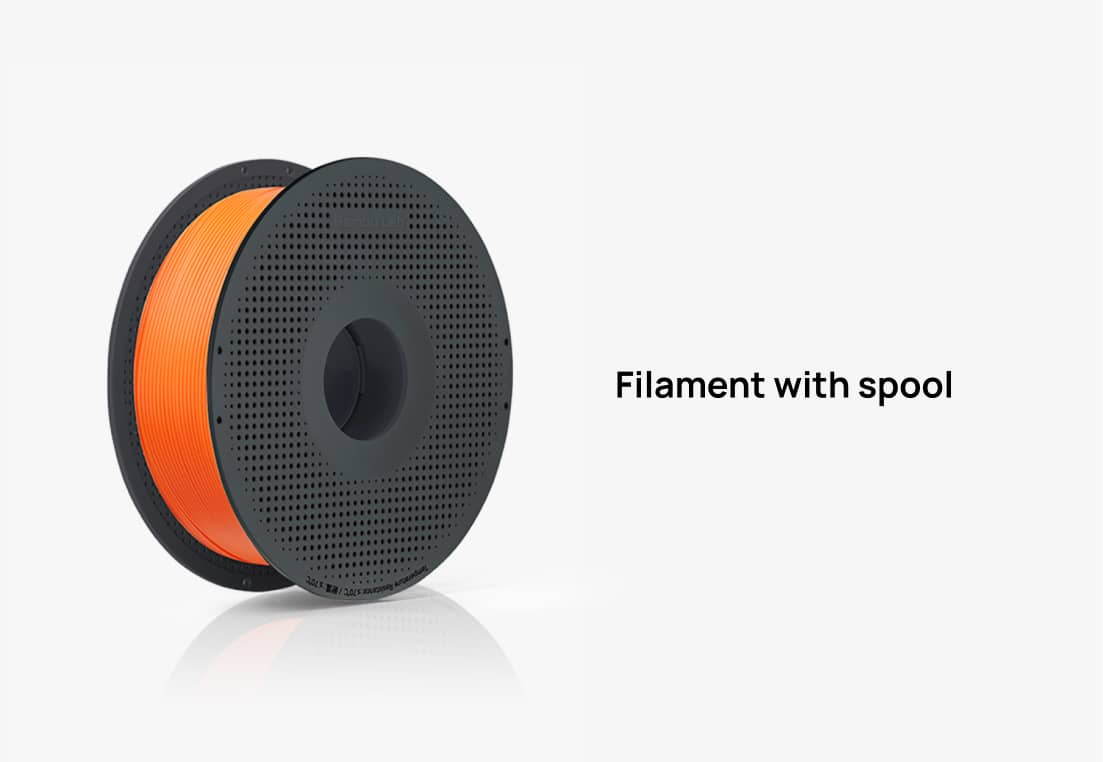
What's in the Box
* The color and texture of the filament are subject to the physical product. Images are for reference only.